Your Collection, Your Market — Sell Cards Directly from Byndr
You've built an impressive collection. Some cards have gone up in value, others just aren't your style anymore. Now you can turn them into cash without leaving Byndr — meet the new Sell on Cardmarket feature.

Your Cards Are Worth Something. Let's Make It Easy to Act on That.#
We've all been there. You open your collection, spot a card you pulled months ago that's now worth three times what you paid, and think — I should really sell that. Then you spend the next twenty minutes trying to remember how Cardmarket works, looking up the right set name, and wondering whether NM actually means what you think it means.
We built the Sell feature to cut all of that friction out.
How It Works#
Head to your Collection and switch to the Sell on Cardmarket tab. From here, the flow is straightforward:
Filter down to what you want to sell. You can filter by rarity — useful if you're looking to offload duplicates or lower-value cards first. Filter by set if you just finished a run and want to move on. Set a minimum price to focus only on cards worth your time. And if you've used the feature before, you can filter to see only what's already listed, or only what's still available.
Sort by price to find your best opportunities. Sorting by price descending immediately surfaces your most valuable cards. Sometimes you forget what's sitting in your collection — a quick look at the top of the list can be a pleasant surprise.
Select what you want to list. Click any card to select it. Hit "Select all" if you want to move everything currently visible. Each selected card shows a suggested price — we calculate this at roughly 5% below our cached market data to give you a competitive starting point. You can adjust any price individually before exporting.
Set your defaults once. Choose your card condition, language, and whether the cards are foil — these apply to your whole export. If you're selling a mix of conditions, you can update the export file manually before uploading.
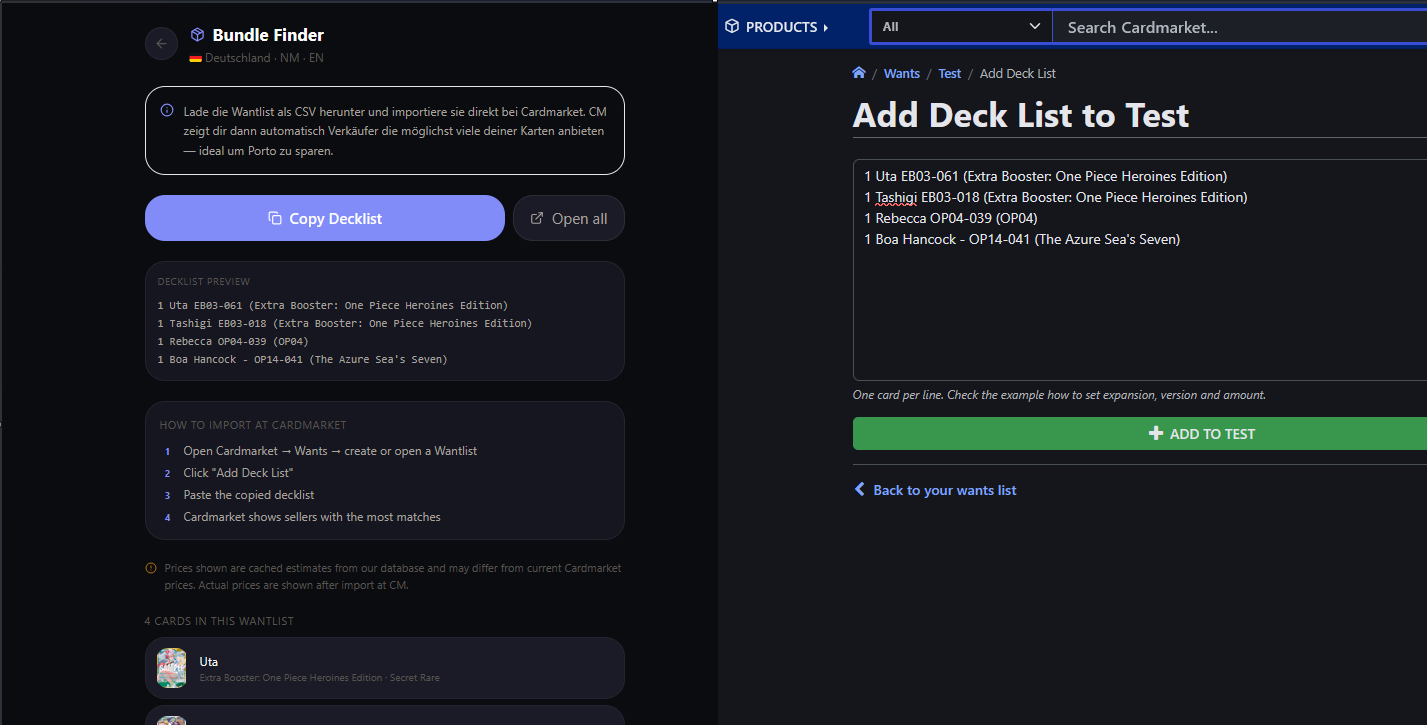
Download the CSV and take it to Cardmarket. Click "Download CSV" and you'll get a file formatted exactly the way Cardmarket's bulk listing tool expects it. Open Cardmarket, go to My Account → Stock → List bulk items, and paste or upload the file. Cardmarket walks you through the rest.
Mark your cards as listed. Once your listings are live on Cardmarket, come back to Byndr and click "Mark as Listed." Your cards will show a For Sale badge across the whole app — in your collection grid, in set views, everywhere. So you always know what's actively on the market and what isn't.
A Word on Prices#
We want to be upfront about this: the prices we show are from our cached database. Depending on the card and TCG, that data comes from TCGPlayer, OPTCG, or Scrydex. These are not live Cardmarket prices. They can be close, but they can also differ — sometimes significantly for trending cards.
Use our suggestions as a starting point and a sanity check. Before confirming your listings on Cardmarket, take a moment to look at what other sellers are asking for the same card. Pricing too high means your card sits. Pricing too low means you leave money on the table.
Who This Is For#
If you're a casual collector who occasionally wants to move duplicates or cards that don't fit your collection anymore, this gives you a clean list and gets you to Cardmarket in a couple of clicks instead of a couple of hours.
If you pull a chase card you already own or that just isn't for you, you can have it listed within minutes. Filter by your highest-value cards, check the price, download, upload, done.
If you're rotating your collection — maybe you're transitioning from one TCG to another, or clearing out a set to fund the next one — the bulk select and export makes it practical to list twenty or thirty cards at once without losing your mind.
If you track your hobby budget in Byndr already, selling cards and recording the income in the Budget tab gives you a real picture of your net hobby cost over time. Some collectors find their sales nearly offset their buys — the data makes that visible.
What Happens After You List#
Once your cards are marked as listed in Byndr, they stay visually distinct everywhere in the app. You'll see the amber For Sale badge on those cards in your collection and in set browse views. When a card sells, just come back, unmark it, and remove it from your collection. Simple housekeeping, but it keeps your data accurate.
We're planning to make this even tighter over time — connecting it more closely to the Budget panel so sales flow through automatically, and adding sold tracking so you can see your total Cardmarket revenue at a glance.
Get Started#
Open your Collection, switch to the Sell tab, and see what you've got. You might be surprised how much is sitting there waiting.
Track Your Collection with Byndr
Organize, track, and analyze your TCG collection across Pokemon, One Piece, Yu-Gi-Oh!, MTG, and more.